
Some of the corporate training which are high-stakes such as clinical diagnostics, crisis management, or ethical compliance, and creating training content that only reports pass/fail are not enough. Analyzing the pass result of a quiz won’t tell you the risk learners took to get there. Did they follow the protocol or was it just a lucky guess?
This is where branching scenarios can be incorporated to create a real life high-stake scenario without the high-stake risk. But it presents a technical obstacle. Legacy tracking standards such as SCORM lack the ability to track more granular data, so we have to move to xAPI.
In this guide we will walk you through the technical architecture of creating and tracking decision points, risks of client side scripting and how to create a secure, enterprise-grade solution.
The deficit of SCORM
SCORM is a legacy tracking standard. LMSs and authoring tools which are relying on SCORM and older standards are designed to track only completion and proficiency. On a non linear path, where the learner selects branching choices, you will have trouble storing every interaction and decision related metrics with SCORM.
The Solution: You need a data structure that decouples the experience from LMS. You need xAPI.
The structure of decision data
SCORM interacts with the LMS where you host its content. When a learner completes a quiz, SCORM content uses a javascript api to set completion and score for the quiz in the lesson. Whereas xAPI content sends JSON statements when the learner interacts with the content.
To analyze learner behavior in a branching scenario just tracking what they chose isn’t enough we need to add more context to it, here is an example of xAPI statement structure of learner selecting a choice.
{
  "actor": {
    "name": "Jane Doe",
    "mbox": "mailto:jane.doe@gblrs.com"
  },
  "verb": {
    "id": "http://adlnet.gov/expapi/verbs/answered",
    "display": { "en-US": "Answered" }
  },
  "object": {
    "id": "http://gblrs.com/scenario/sales/node-3-negotiation",
    "definition": {
      "name": { "en-US": "Aggressive Tactic (Node 3)" },
      "type": "http://adlnet.gov/expapi/activities/cmi.interaction",
      "interactionType": "choice"
    }
  },
  "result": {
    "response": "aggressive_tactic_b",
    "duration": "PT14S",
    "extensions": {
      "http://example.com/xapi/ext/hesitation-index": "High",
      "http://example.com/xapi/ext/stress-meter-value": 85
    }
  },
  "context": {
    "contextActivities": {
      "parent": [
        {
          "id": "http://example.com/scenario/sales-master-sim",
          "definition": { "name": { "en-US": "Sales Master Simulation" } }
        }
      ]
    }
  }
}
With the help of different Object ID of each Branch, it will be easier to reconstruct the learner’s path later using diagrams such as Sankey Diagrams. And context data such as time-spent on decision and parent id will allow you to analyze hesitation or lucky guess, whereas parent id will allow you to map the branch for analysis.
Implementation Trap
Many tutorials will suggest you to add a custom xAPI statement to the content with LRS basic authtoken, this will create many security breaches and violations.This will expose credentials to any user and they can steal the API keys and spoof data.
This is where tools like GrassBlade xAPI Companion steps in. It provides you features like multiple levels of secured token which increases the security, these tokens expire after a very short time and are randomly generated. Based on the selected secured token level, these tokens allow access of statements for users own statements, or user statements for specific content, or even access to statements only if IP matches where token was generated and where statements are accessed.
Visualization and Analytics for Improvement
Once xAPI statements (tracking data) is sent to the LRS you can connect BI tools such as Power BI and use tools like Sankey Diagram or Scatter Plot to analyse learner behaviour.
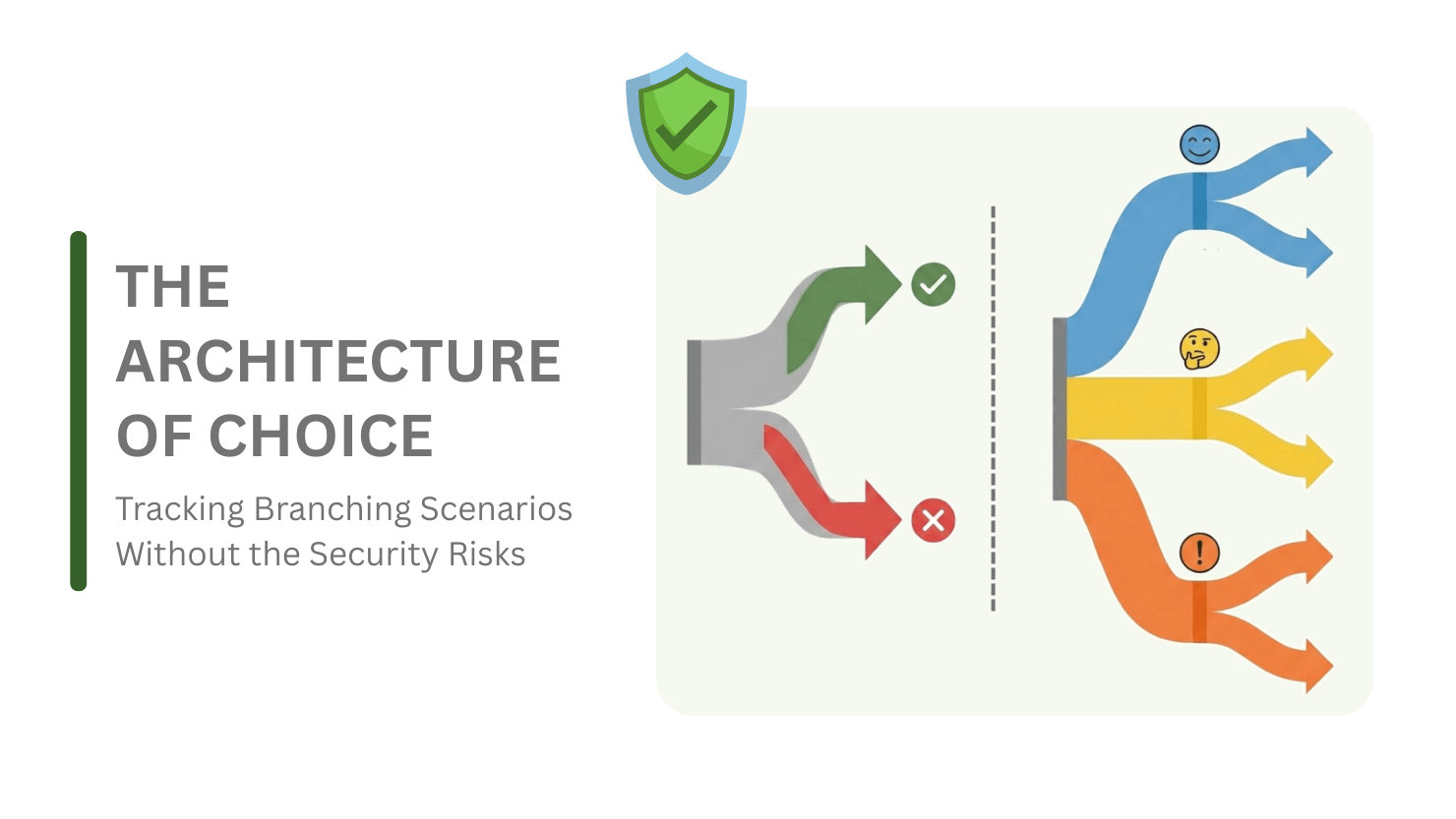
The Sankey Diagram
This diagram is the best if you want to see the flow of learner through the decision tree in your branching scenario. It’s easier to see which decision path most of the learners are going. If some of the paths which are wrong are still getting more than usual traffic then this is an area of concern, learners can be wrong but why would they be wrong at that exact path. By pinpointing such issues, training content can be improved.
Similarly some of the paths will be very narrow, almost non-existent as if no one is taking those choices, which should be reviewed and improved. We want to make sure that sometimes learners do make the wrong choice and experience the consequences.
Imagine in a fire safety simulation we have choices such as:
- Check the door for heat
- Run directly into flames
It is very easy for nobody to take the second choice, so such branching scenario will be useless in the training. Instead if we can create choices like these:
- Feel the door for heat with the back of your hand.
- Open the window to let the smoke out and get fresh air
These kinds of choices trap learners, because if learners are unaware then even the wrong choice will feel like right and make them experience the consequences. This helps them learn faster.
Scatter Plot
You can create scatter plot of each learner with metrics such as duration/time-spent and their scores in the choices to analyze:
- If the learner is fast and correct (confident).
- If the learner is fast and incorrect (reckless).
- If learner is slow and correct, (cautious and learning)
- If the learner is slow and incorrect (confused)
You can analyze how many learners are confident, reckless, cautious or confused in a training program, if most of them aren’t confident you can pinpoint the area which needs improvement.
Conclusion
Branching scenario simulation is one of the very effective training methods for the eLearning developers. It is used to train employees or any learner with creating a real world job like simulation where learner takes decisions and based on their decision outcome of the simulation depends. This trains learners to decide correctly and timely. But creating such training content presents a challenge to track the training with enough information so you can later analyze learner behavior and performance, improve content and correlate with business outcome.
xAPI solves this issue. With the right set of tools such as GrassBlade xAPI Companion and GrassBlade LRS you can securely send tracked data to LRS. And by integrating BI tools you can use Shankey Diagram, Scattered Plot, and other diagrams to analyze learner behavior.