
To Create a new MySQL database in your cPanel hosting. Follow these simple steps given below:
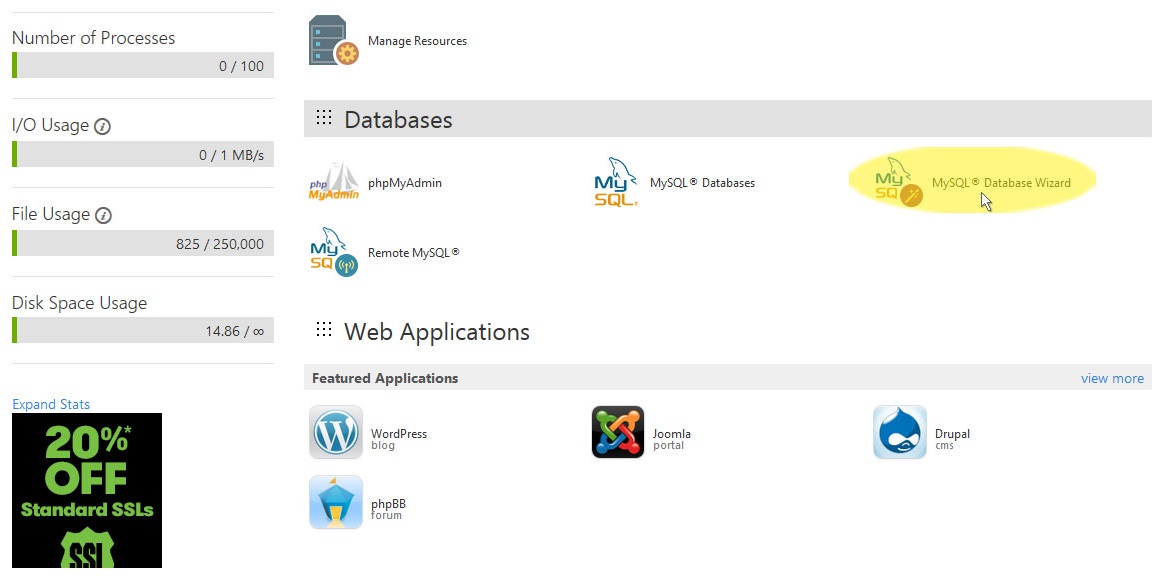
Step 1: In your cPanel, Go to Databases > MySQL Database Wizard.
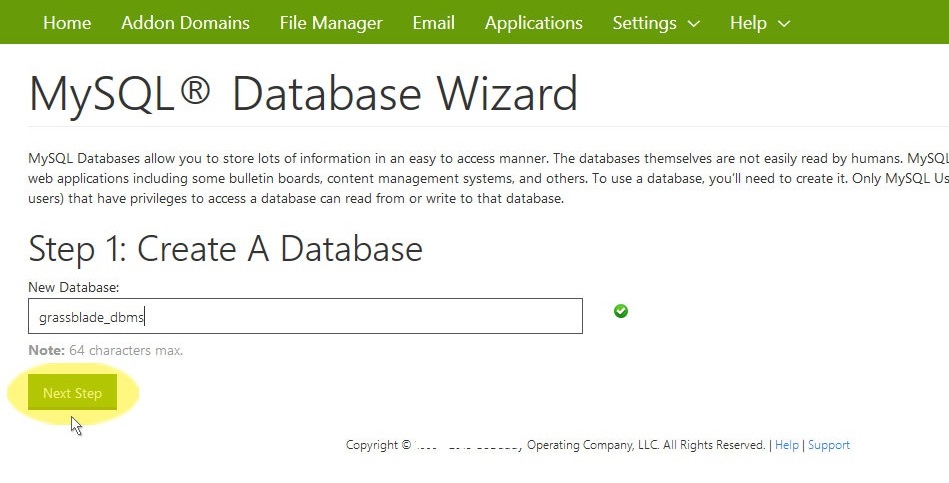
Step 2: Enter Name of your new database.
Step 3: Enter new Username and Password for your Database.
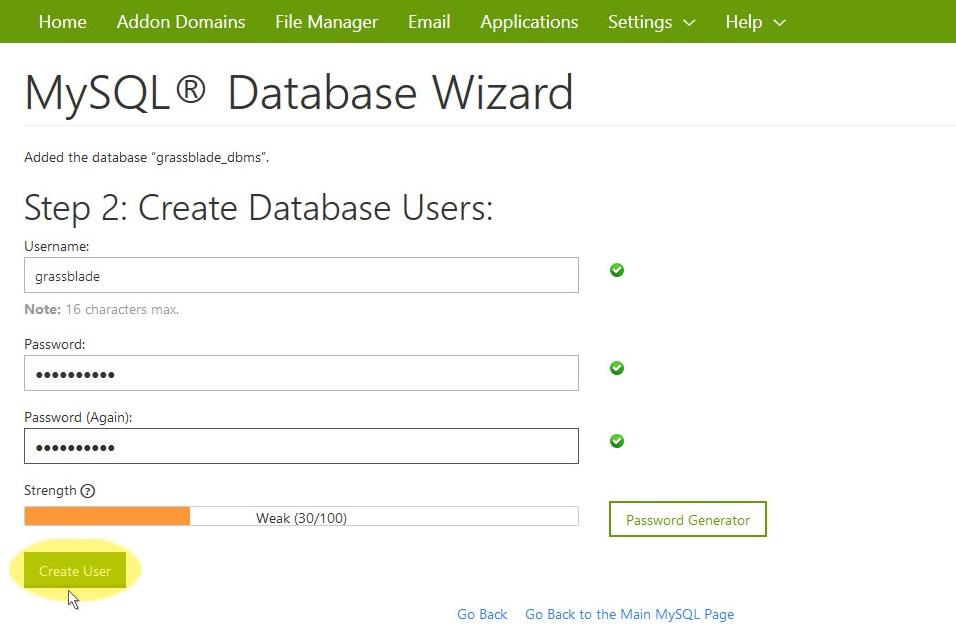
Tip: Create a strong Database Password with AlphaNumeric Characters.
Step 4: Once you click Create User, your new database will be ready.
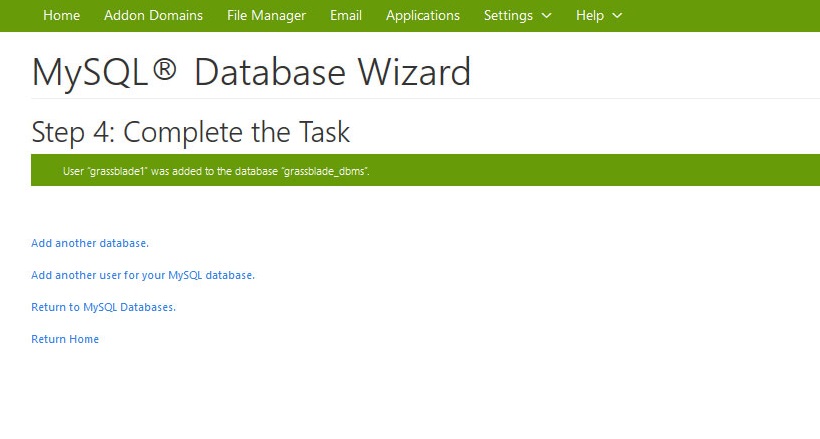
This way you can create a new database in your cPanel or hosting. we hope you got this information useful, join us on Facebook and Twitter for more latest updates.